|
 Typing
Tutor 1.6.0 Typing
Tutor 1.6.0
Screen Shots
(C)
Chris Alcock 1998/9
Contact the author - E-mail calcock@stones.com
Latest: Now Available for free
download
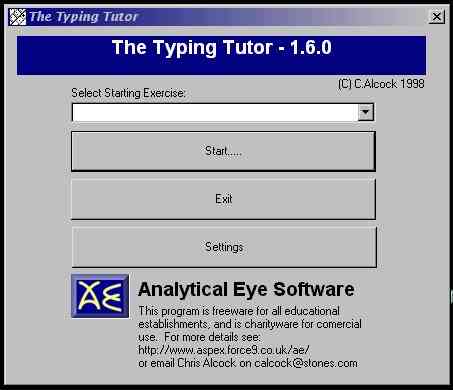
This is the opening screen, allowing the users to select
the exercise that they want to start on, and set the settings for the
application.
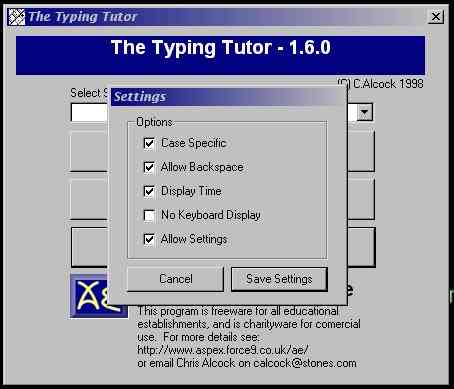
The Screen Shot below shows the optional screen, see
the readme file for more details of these
settings.
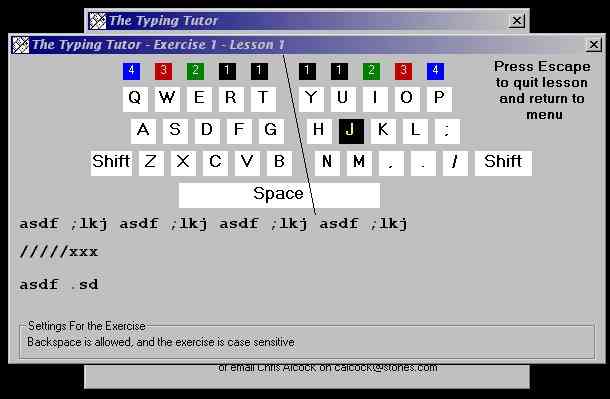
The exercise screen. The user is able to see that keyboard,
with the next key that they should press highlighted. There are no demonstrations,
as the package is designed to be used in conjunction with teaching.
The keyboard is now in colour, and marking is also displayed.
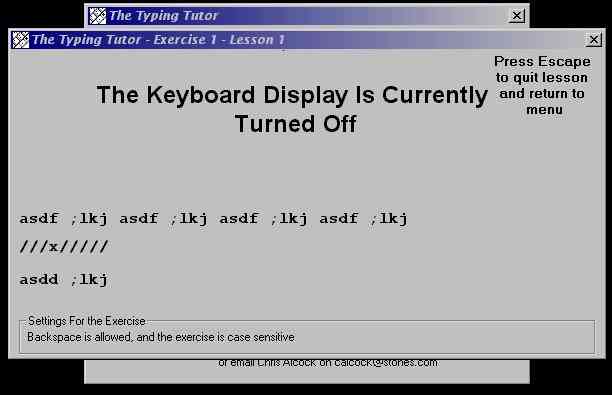
When the Display Keyboard option is turned off this
is the display.
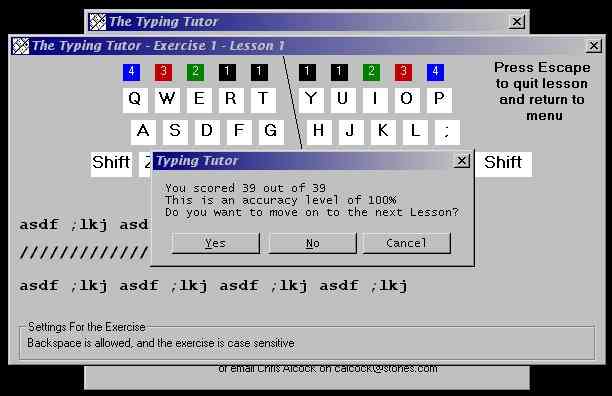
The Typing Tutor concentrates on accuracy. The program
informs the user of their accuracy, and gives them the option to repeat
the exercise or continue with the next exercise. This is the display
without the Display Time Option Turned on.
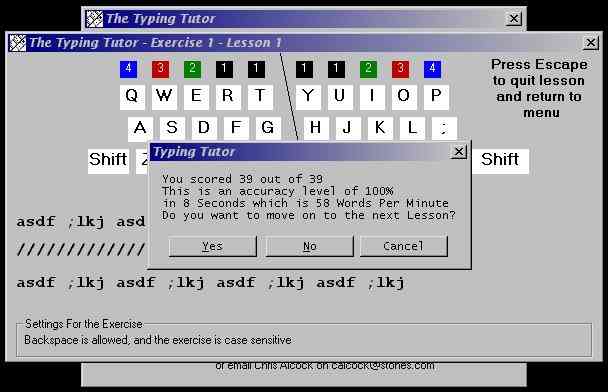
With the time display option set, the time taken and
the average words per minute are displayed at the end of each exercise.
|